You haven't signed in yet, you can have a better experience after signing in
*Please complete the payment within {{receiveCouponInfo.expire_at}}Previous use*
You haven't signed in yet, you can have a better experience after signing in


Activity Rules
1、Activity time:{{ info.groupon.start_at }} ~ {{ info.groupon.end_at }}。
1、Activity time:cease when sold out。
2、Validity period of the Group Buying:{{ info.groupon.expire_days * 24 }} hours。
3、Number of Group Buying:{{ info.groupon.need_count }}x。
Please Pay Attention
1、Teamwork process: Join/initiate a Group Buying and make a successful payment - Within the validity period, the number of team members meets the activity requirements - Group Buying succeeded!
2、If the number of participants cannot be met within the valid period, the group will fail, and the paid amount will be refunded in the original way.
3、The number of people required and the time of the event may vary among different products. Please pay attention to the rules of the event.
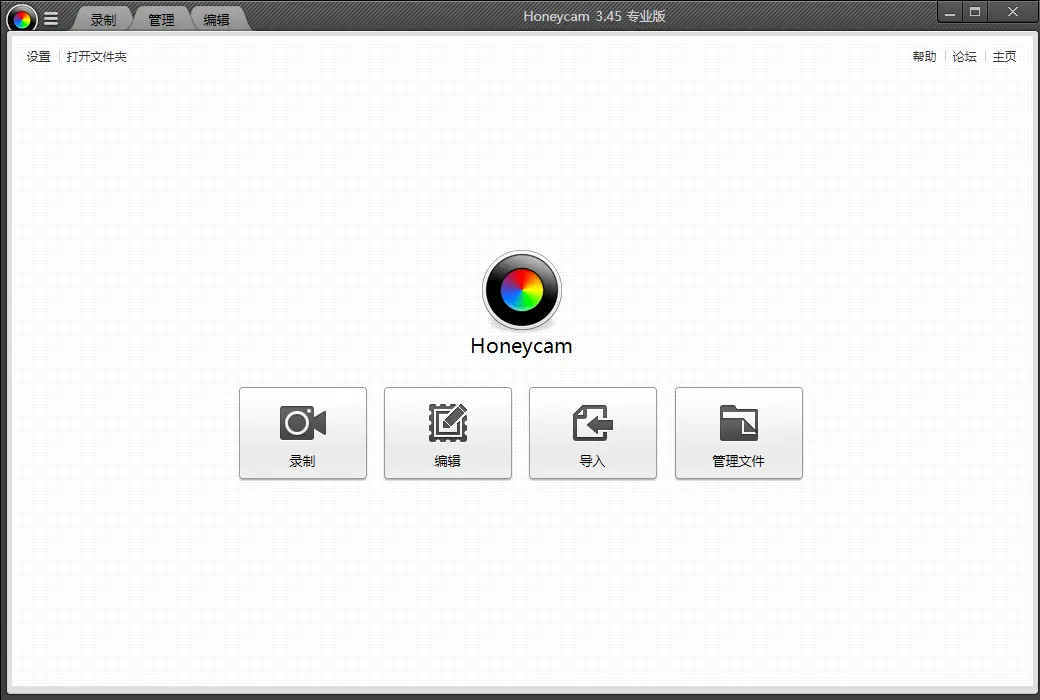
Honeycam is a high-quality GIF/WebP animation production and editor. Create animation files for your exclusive games, video collections, and computer tutorials.
High quality quantization processing of GIF
Although GIFs are limited to 256 colors, Honeycam can create high-quality 256 color animations through quantization processing.
Supports WebP, WebM, and MP4
Honeycam supports WebP, WebM, MP4, and GIF.
main features
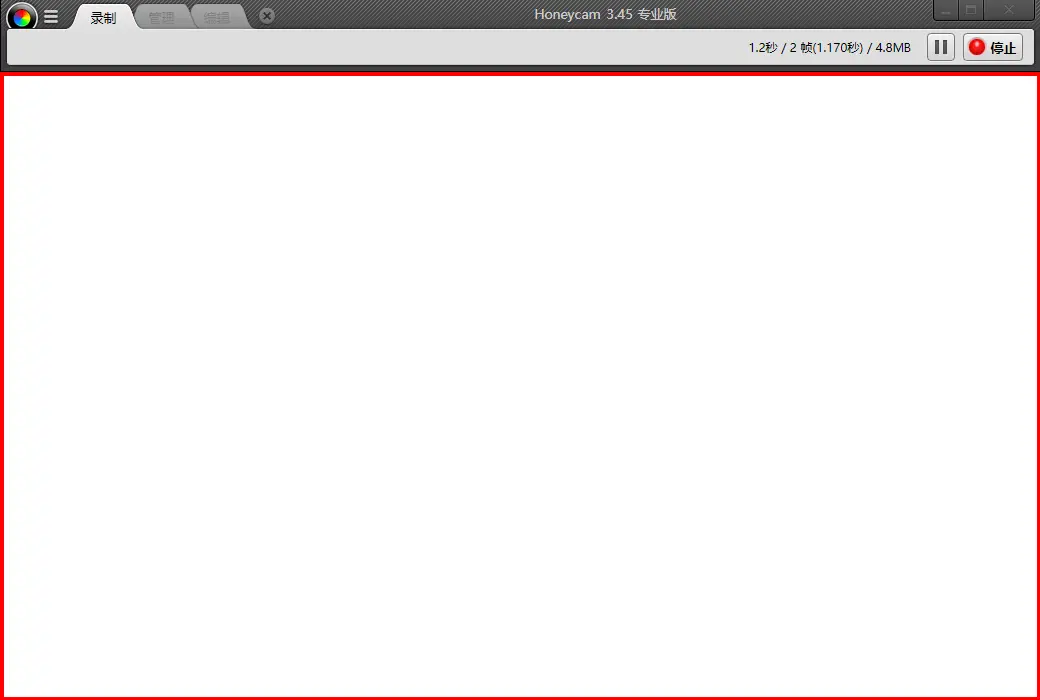
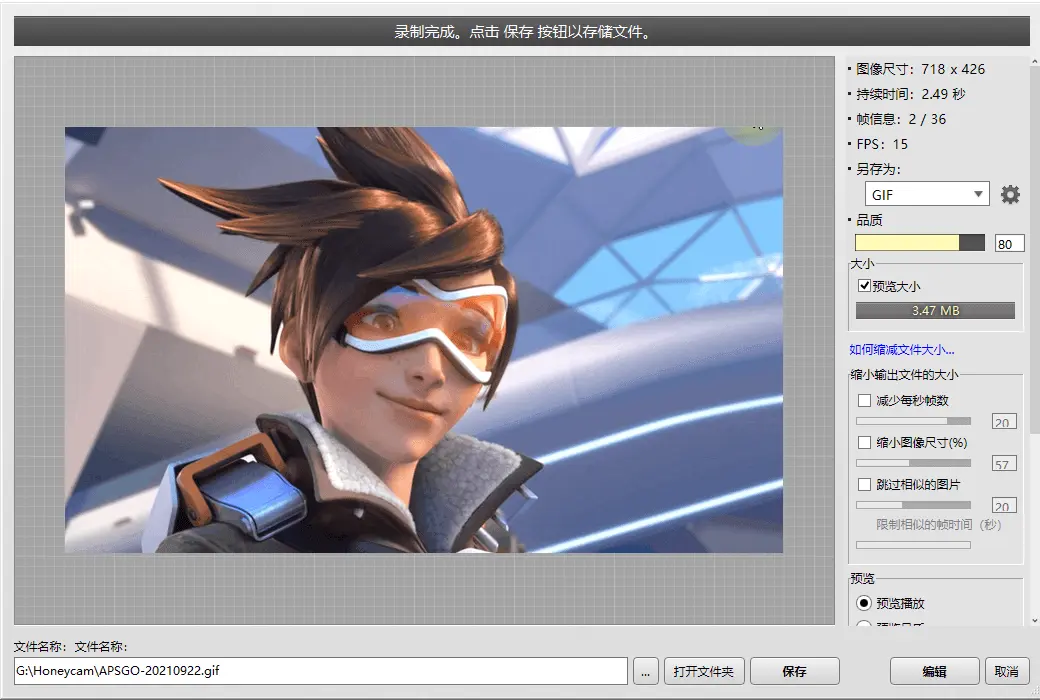
Create GIF/WebP animations with just 3 clicks.
Although GIFs are limited to 256 colors, Honeycam can create high-quality 256 color animations through quantization processing.
Supports Google's latest image formats WebP and video formats MP4 and WebM. (However, the sound cannot be saved)
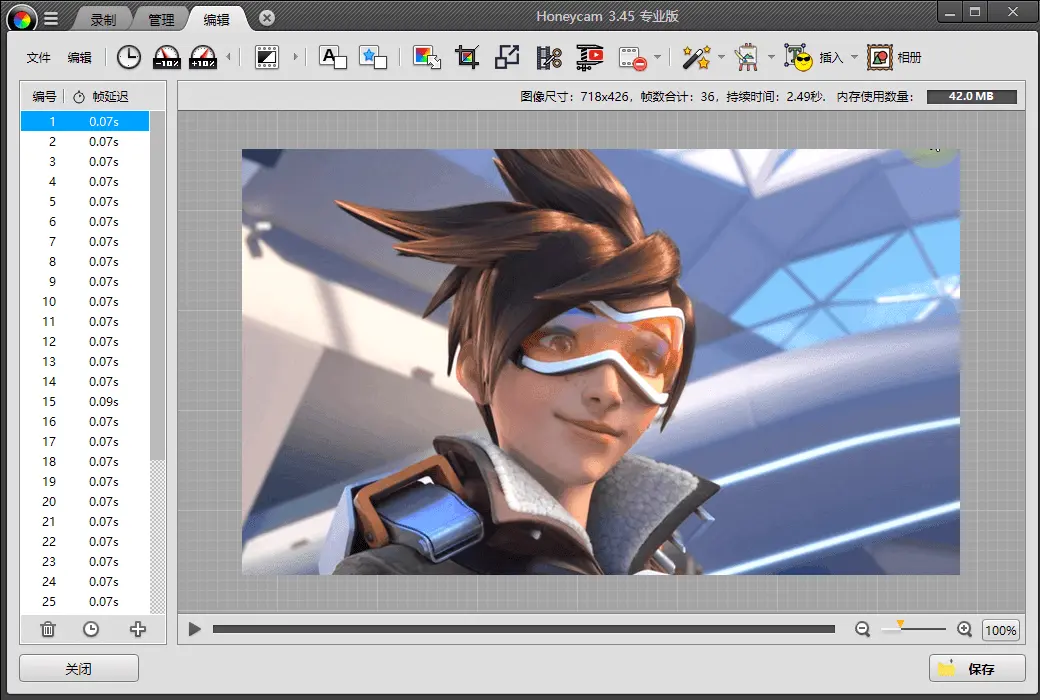
Honeycam provides multiple methods for cropping and resizing images, and you can also reduce frame rates or set frame playback times.
A large number of video filters, ranging from basic color correction to various filter effects such as blur, mosaic, Bloom, vignetting, color curves, chromaticity, etc.
Quickly and conveniently add text, dialog boxes, and paste them into your animation files.
Add text, dialog box, and paste to animation file.
Create a brand new animation file using frame effects.
官方网站:https://www.bandisoft.com/honeycam/
下载中心:https://honeycam.apsgo.cn
发货时间:人工在线处理
运行平台:Windows
界面语言:支持中文界面显示,多语言可选。
更新说明:许可证不会过期, 购买成功后,您能够永久使用它
买前试用:购前可使用功能限制免费版。
如何收货:购买后,激活信息会以邮件的形式发送到下单时的邮箱,同时可在个人中心,我的订单中查看对应的产品激活码。
设备数量:可安装 1 台电脑。
更换电脑:原电脑卸载,新电脑激活。
激活引导:待添加。
特殊说明:待添加。

Any question

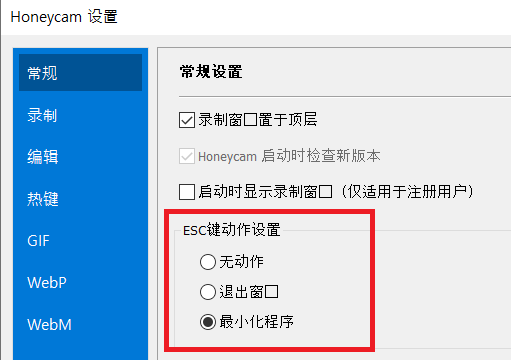
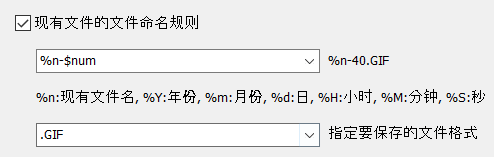
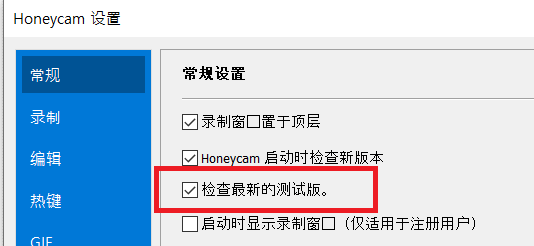
-Fixed an error related to saving as the current file name.
-Fixed the issue of filling transparent areas with white when using chrome.
-Fixed the issue of some MP4 files not opening.
-Fixed an issue where some GIF files could not be opened.
-Fixed the issue of the [Remember Crop Region] option not working properly.
-Fixed occasional crashes when resizing.